
Crypto Deposits
Deposit jewels using cryptocurrency on BloxSpin.
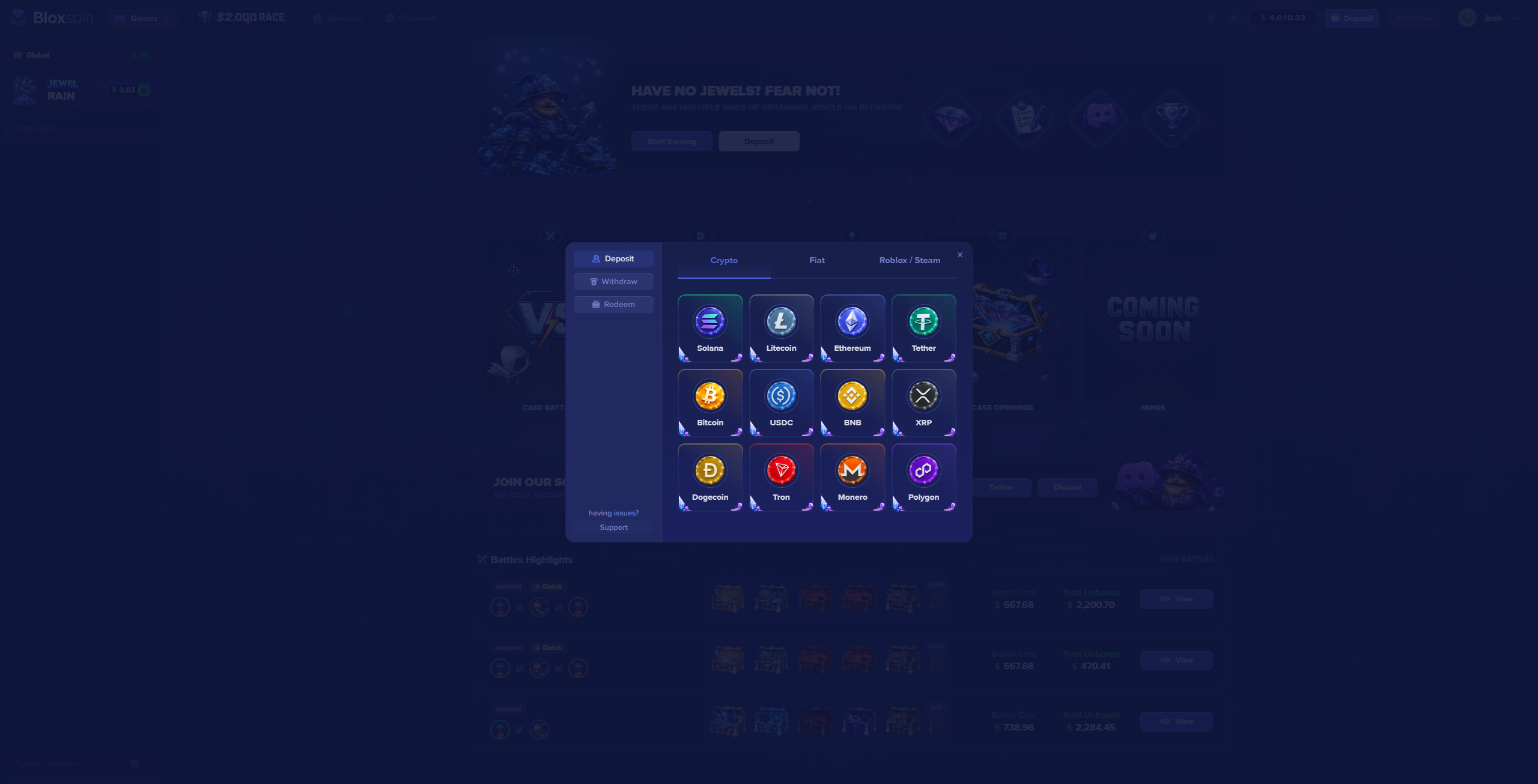
BloxSpin accepts multiple cryptocurrencies for deposits. Supported coins and networks are listed in the live cashier.
Supported cryptocurrencies
Commonly available options include:
| Coin | Notes |
|---|---|
| SOL | Solana |
| LTC | Litecoin |
| ETH | Ethereum |
| USDT | Tether — check the exact network in cashier |
| BTC | Bitcoin |
| USDC | Check the exact network in cashier |
| BNB | BNB Chain |
| XRP | Ripple |
| DOGE | Dogecoin |
| TRX | Tron |
| XMR | Monero |
| POL | Polygon |
Always send crypto on the exact network shown in your BloxSpin deposit session. Sending on the wrong chain can result in lost funds.
How to deposit
- Sign in and open Deposit in the cashier.
- Select your cryptocurrency.
- Copy the deposit address or scan the QR code shown for this session only.
- Send the amount from your wallet or exchange.
- Wait for network confirmations — jewels credit after the required confirmations complete.
Processing time
- Fast networks (e.g. TRX, SOL) — often minutes
- BTC / ETH — depends on network congestion and confirmation count
- The cashier shows confirmation progress when available
Tips
- Send a small test amount first if you are new to crypto deposits.
- Do not reuse old deposit addresses from previous sessions unless the cashier explicitly allows it.
- See Common Issues if a deposit has not arrived.