
Link Discord Account
Connect your Discord account to BloxSpin.
Linking Discord connects your BloxSpin profile to your Discord identity. This is used for community features, support, and account-related flows shown in your profile settings.
Steps
- Sign in to BloxSpin.
- Open your Profile settings.
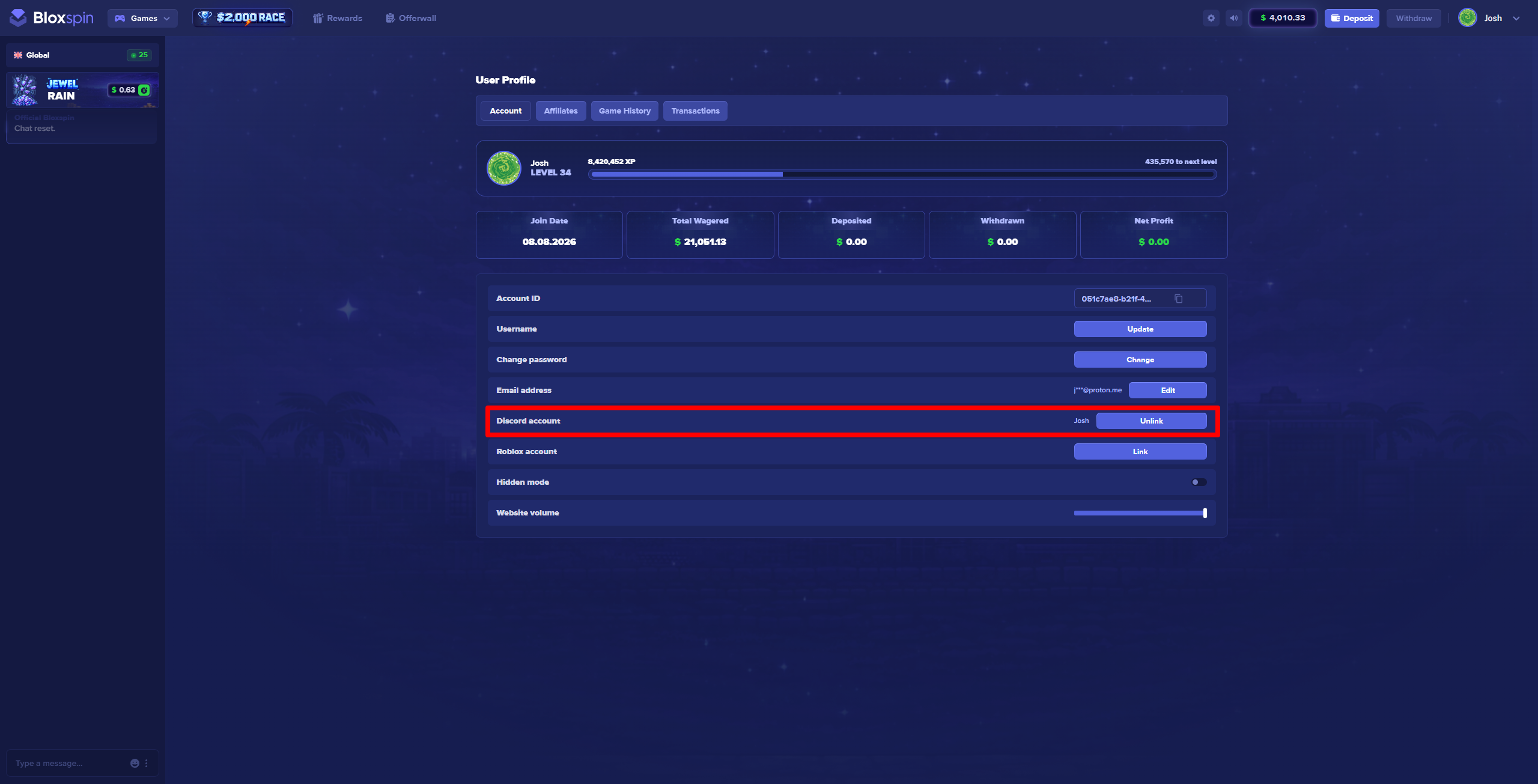
- Find the Link Discord section.
- Click Link Discord and authorize the connection in the Discord pop-up.
- After success, your linked Discord account appears on your profile.
Notes
- You can typically link one Discord account per BloxSpin account.
- If authorization fails, try a private/incognito window without ad blockers.
- To change your linked Discord, unlink from profile settings first (if available), then link the new account.
Need help?
Contact support through the site or official Discord and include your BloxSpin username if linking still fails.