
Depositing
How to deposit and receive jewels on BloxSpin.
Deposits convert supported payment methods into jewels on your account.
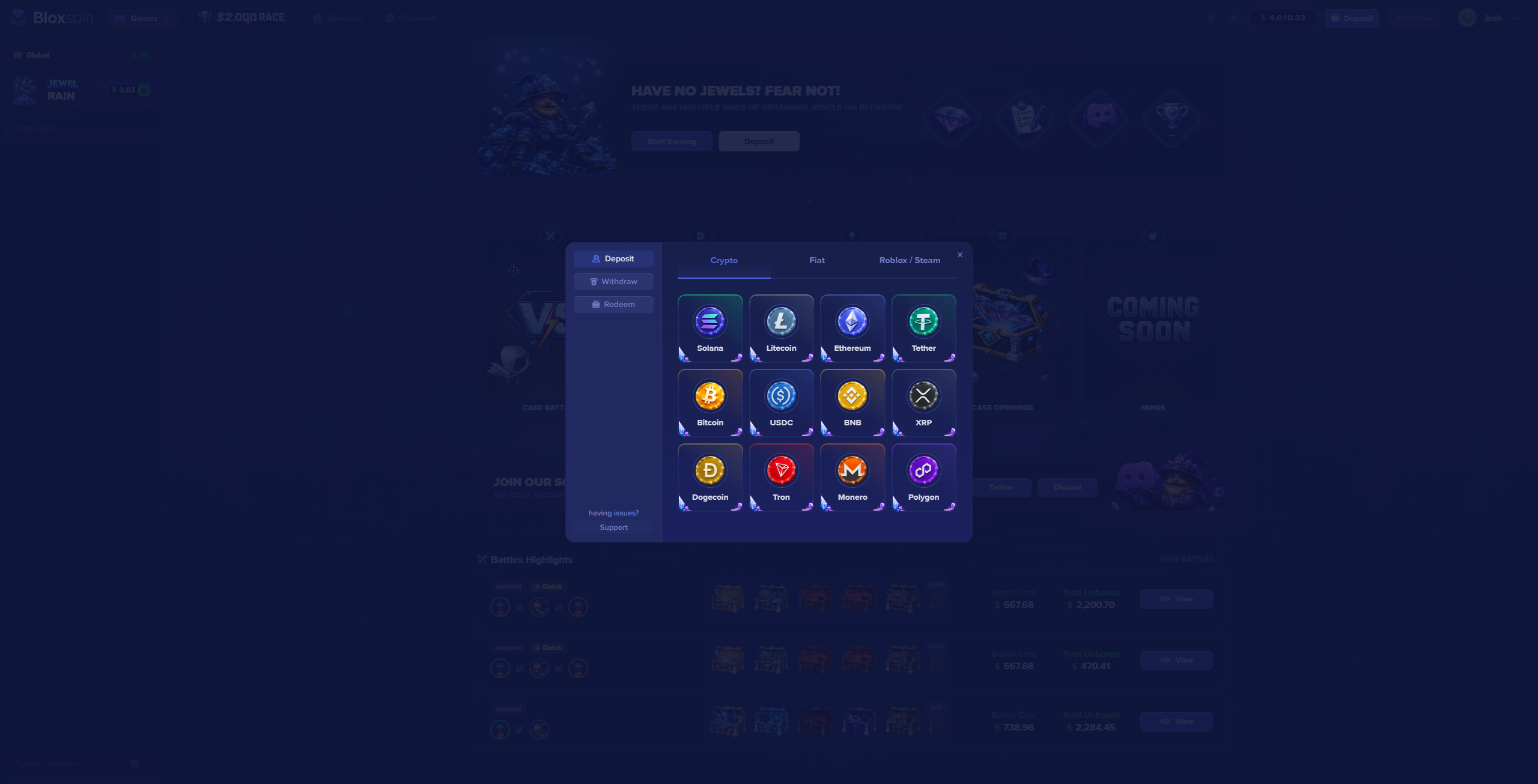
The deposit modal
Click Deposit in the top bar to open the cashier. Use the Crypto, Fiat, or Roblox / Steam tabs to pick a method:
Steps
- Sign in to the Dashboard.
- Open the deposit / cashier flow from the balance area.
- Choose a payment method — see Payment Methods.
- Enter the amount and follow the on-screen instructions.
- Wait for confirmation — jewels appear in your balance when the payment clears.
Method guides
Crypto
BTC, ETH, and other supported coins.
Card
Credit and debit card deposits.
Robux
Deposit using linked Roblox Robux.
Processing times
- Cards / instant methods — often near-instant after approval
- Crypto — depends on network confirmations
- Robux — follows Roblox transfer timing shown in cashier
Wager requirement
Deposits must be wagered 1x before withdrawal. See Wager Requirements.
Only send funds using the details shown in your BloxSpin cashier session. Addresses and payment intents can be single-use.
After depositing
Your updated jewel balance appears in the top bar. You can then play games or browse Rewards.